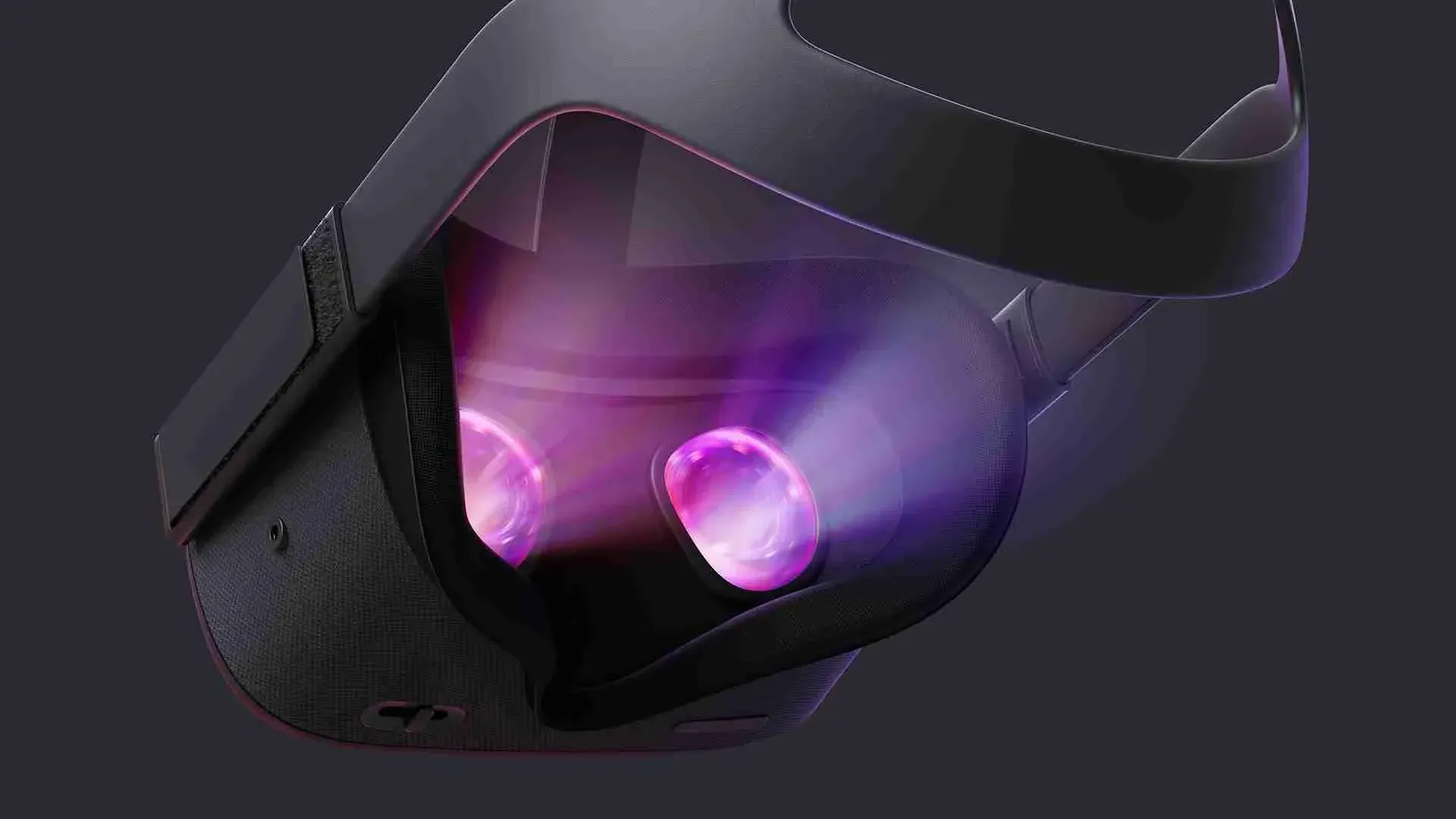
The Oculus Quest firmware has just received a pretty major update that promises much-improved tracking (this should help with Beat Saber!) and a lot more! Here are the main release notes from the Oculus Quest Support team:
VR Settings
- We’ve enhanced the overall audio experience and added the ability to enable or disable your microphone in VR.
- We’ve added a search bar throughout your in-VR experience so you can always find the content you’re looking for.
- You can now opt-in to new features we’re testing from your settings menu under the “Experiments” section, like the Bluetooth keyboard option we’ve highlighted below.
- We’ve added an option in the settings panel for Night Mode to reduce blue light and ease eye strain.
Guardian (Quest)
We’ve improved the overall performance of Guardian and added the following new features:
- If your Guardian boundaries are too sensitive, you can adjust them from the Guardian settings page.
- If you need to adjust your floor height, you no longer have to reset your Guardian. Instead, you can make adjustments right from your Guardian settings page.
- You can now set multiple Guardians in the same room and switch between them.
Keyboard
- You can now use Bluetooth keyboards and gamepads to type and navigate in VR. You can find pairing options for your Bluetooth device in your headset’s settings panel under the experiments section.
Store
- We’ve updated the look and feel of the Oculus Store for Go and Gear VR.
- You can now use filtering based on price, comfort or genre, to make it easier to find new apps you might be interested in.
- If you’re interested in an app but not ready to purchase, you can save it to your wishlist for later.
Feed
We want to make sure that your Oculus experience is made just for you. To do that, we’ve added the following new features to customize your feed both in VR and in the Oculus mobile app:
- Follow your favorite games, developers, and genres so you’ll be notified when there’s something new.
- Let us know if you liked or disliked an app when you’re done using it, so we know what to recommend next.
- Hide things from your feed that you don’t want to see again.
Headset Setup (Quest)
0 comments
No comments yet. Be first.